

How to Improve the Print Quality of Printing Machinery
As a seasoned supplier of printing machinery, I understand the paramount importance of print quality in the printing industry. High - quality prints not only enhance the visual appeal of products but also contribute to the overall success of businesses. In this blog, I will share some effective strategies to improve the print quality of printing machinery.
1. Select the Right Printing Machinery
The first step in achieving high - quality prints is to choose the appropriate printing machinery for your specific needs. Different types of printing jobs require different machines. For instance, if you are dealing with flexible packaging, a Flexographic Printing Machine might be the ideal choice. Flexographic printing is known for its ability to print on a variety of substrates, including plastics, paper, and cardboard, with excellent color reproduction and sharp images.
On the other hand, if you are into T - shirt printing, the UV DTF Printing Machine A3 Flatbed Printing Machinery For T - Shirt Printer can offer high - resolution prints with vibrant colors. This machine uses UV - curable inks, which dry quickly and adhere well to the fabric, resulting in long - lasting and fade - resistant prints.
2. Maintain the Printing Machinery Regularly
Regular maintenance is crucial for ensuring the optimal performance of printing machinery and, consequently, high - quality prints. Here are some key maintenance tasks:
- Cleaning: Dust, ink residues, and other contaminants can accumulate on the printing components over time, affecting the print quality. Regularly clean the print heads, rollers, and other parts of the machine according to the manufacturer's instructions. Use appropriate cleaning solutions and tools to avoid damaging the components.
- Lubrication: Moving parts of the printing machinery need proper lubrication to reduce friction and wear. Check the lubrication levels regularly and add lubricants as needed. Make sure to use the recommended lubricants for each part of the machine.
- Calibration: Periodically calibrate the printing machinery to ensure accurate color reproduction, registration, and print alignment. Calibration helps to correct any deviations in the printing process and ensures that the prints match the original design.
3. Choose High - Quality Inks and Substrates
The quality of inks and substrates used in the printing process has a significant impact on the final print quality.
- Inks: Select inks that are compatible with your printing machinery and the substrate. High - quality inks offer better color saturation, lightfastness, and adhesion. They also produce fewer streaks and smudges, resulting in sharper and more vibrant prints. Consider the type of ink, such as solvent - based, water - based, or UV - curable, depending on your printing requirements.
- Substrates: The substrate, or the material on which you are printing, should be of good quality and suitable for the printing method. Different substrates have different surface characteristics, such as porosity, smoothness, and absorbency, which can affect the ink transfer and print quality. For example, a smooth and non - porous substrate may require a different type of ink and printing setting compared to a porous paper substrate.
4. Optimize the Printing Settings
Properly adjusting the printing settings can greatly improve the print quality. Here are some important settings to consider:
- Resolution: The resolution determines the number of dots per inch (DPI) in the print. A higher resolution generally results in sharper and more detailed prints, but it also increases the printing time and may require more ink. Find the right balance between resolution and printing speed based on your specific requirements.
- Print Speed: Printing too fast can cause issues such as ink smudging, incomplete ink transfer, and poor registration. Adjust the print speed according to the type of substrate, ink, and printing machinery to ensure high - quality prints.
- Ink Density: The ink density setting controls the amount of ink applied to the substrate. Too much ink can lead to over - saturation, bleeding, and longer drying times, while too little ink can result in dull and faded prints. Experiment with different ink density settings to achieve the desired color and print quality.
5. Train the Operators
Well - trained operators are essential for achieving high - quality prints. Provide comprehensive training to your operators on how to operate the printing machinery correctly, including loading the substrates, adjusting the settings, and performing basic maintenance tasks. Training should also cover troubleshooting techniques to quickly identify and resolve any issues that may arise during the printing process.
6. Conduct Quality Control Checks
Implement a quality control system to monitor the print quality at various stages of the printing process. Regularly inspect the prints for any defects, such as color variations, streaks, smudges, or misregistration. Use tools such as colorimeters and densitometers to measure the color accuracy and density of the prints. If any issues are detected, take immediate corrective actions, such as adjusting the printing settings, cleaning the machine, or replacing the inks or substrates.
7. Invest in Advanced Printing Technologies
Advancements in printing technology have led to the development of more sophisticated printing machinery and techniques that can significantly improve the print quality. Consider investing in technologies such as digital printing, which offers greater flexibility, higher resolution, and faster turnaround times compared to traditional printing methods. Additionally, technologies like 3D printing and variable data printing can open up new possibilities for creating unique and personalized prints.
In conclusion, improving the print quality of printing machinery requires a combination of selecting the right equipment, proper maintenance, using high - quality materials, optimizing the printing settings, training the operators, conducting quality control checks, and keeping up with the latest printing technologies. As a printing machinery supplier, we are committed to providing our customers with the best - in - class products and support to help them achieve outstanding print quality.
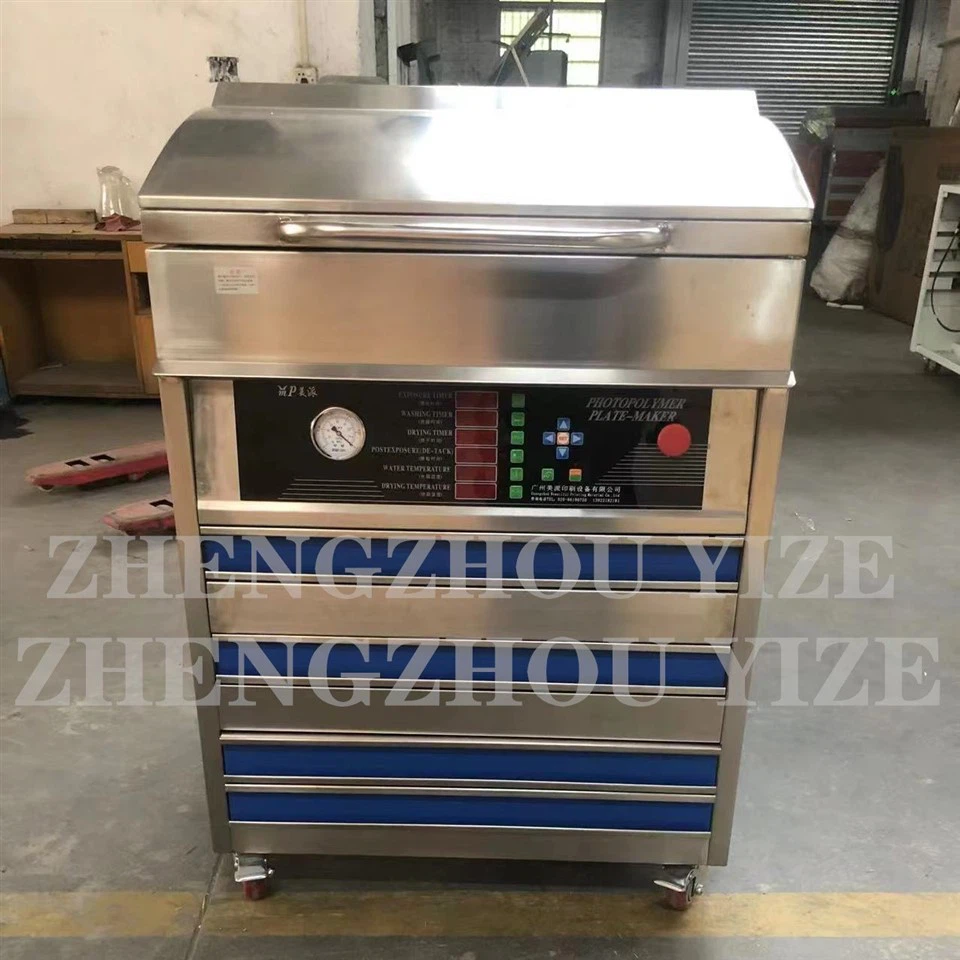
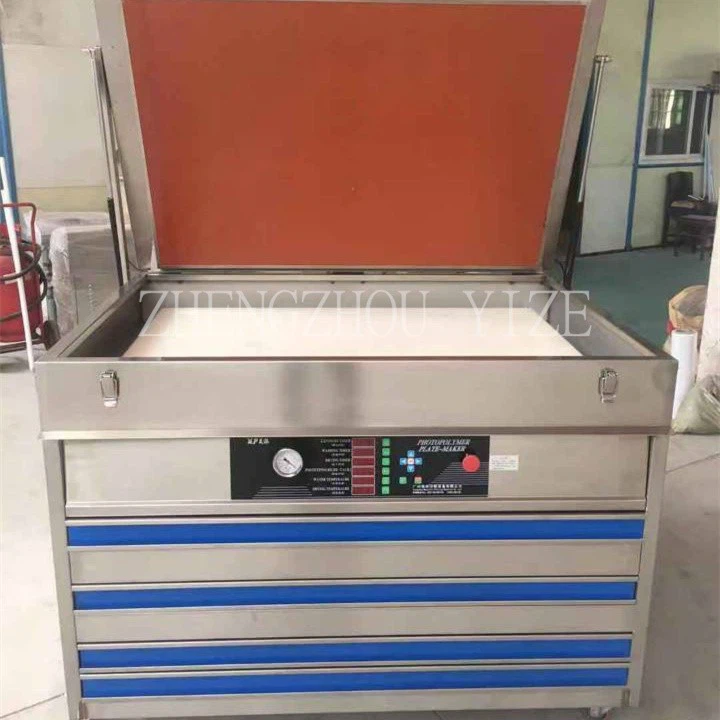
If you are interested in improving the print quality of your printing operations or are looking for high - quality printing machinery, we invite you to contact us for a detailed discussion. Our team of experts will be happy to assist you in finding the most suitable solutions for your specific needs.
References
- "Printing Technology Handbook" by John Smith
- "Ink and Substrate Selection for High - Quality Printing" by Jane Doe
- Manufacturer's manuals of various printing machinery models