

Hey there! As a printing machinery supplier, I've had my fair share of experiences with all sorts of printing machines. One of the most common questions I get from customers is how to adjust the settings of printing machinery. It can seem like a daunting task, especially if you're new to the world of printing. But don't worry, I'm here to break it down for you and make it as easy as possible.
First things first, let's talk about why adjusting the settings of your printing machinery is so important. Every printing job is different, and you need to make sure your machine is set up correctly to achieve the best results. Whether you're printing on different types of materials, using different inks, or aiming for a specific print quality, adjusting the settings can make a huge difference.
Understanding the Basics
Before you start adjusting any settings, it's crucial to understand the basic components of your printing machine. Most printing machines have a control panel where you can access various settings. This panel usually includes options for things like print speed, ink density, temperature, and pressure.
Let's start with print speed. This setting determines how fast the machine prints. If you're printing a large quantity of materials, you might want to increase the print speed to save time. However, if you're printing high - quality images or detailed designs, a slower print speed might be necessary to ensure accuracy.
Ink density is another important setting. It controls how much ink is applied to the printing material. If the ink density is too low, the print might look faded. On the other hand, if it's too high, the ink could bleed or smudge. You'll need to find the right balance based on the type of material you're printing on and the desired look of your print.
Temperature also plays a significant role, especially in machines that use heat - sensitive inks or materials. For example, some plastic materials require a certain temperature to ensure proper ink adhesion. If the temperature is too low, the ink might not stick properly, and if it's too high, the material could warp or melt.
Pressure is yet another factor. It affects how well the ink is transferred from the printing plate to the material. Adjusting the pressure can help you achieve a more even and consistent print.
Step - by - Step Adjustment Process
Now that you have a basic understanding of the key settings, let's go through a step - by - step process of adjusting your printing machinery.
1. Read the Manual
This might seem like a no - brainer, but it's amazing how many people skip this step. The machine's manual contains all the specific information about the settings and how to adjust them. It will also have safety instructions and recommended settings for different types of materials and printing jobs. So, take the time to read through it carefully before you start making any changes.
2. Test Print
Before you start a large - scale printing job, it's always a good idea to do a test print. Use a small piece of the same material you'll be using for the actual job. This will allow you to see how the current settings are working and make any necessary adjustments. You can make changes to the settings based on the results of the test print.
3. Adjust Print Speed
Start by adjusting the print speed. If the test print shows that the print is too light or has gaps, you might need to slow down the speed. On the other hand, if the print looks fine and you want to increase productivity, you can gradually increase the speed. Keep in mind that changing the print speed might also affect other settings, so you'll need to re - evaluate them.
4. Tweak Ink Density
Next, look at the ink density. If the print is too light, increase the ink density. If it's too dark or if there's bleeding, decrease it. You can make small adjustments and then do another test print to see the results. It might take a few tries to get the perfect density.
5. Check Temperature and Pressure
After getting the print speed and ink density right, it's time to check the temperature and pressure. Make sure the temperature is set according to the requirements of the material and ink. Adjust the pressure if the print is uneven or if there are areas where the ink isn't being transferred properly.
Special Considerations for Different Machines
There are many different types of printing machines, and each one might have its own unique settings and adjustment requirements. For example, if you're using a Plastic Resin Plate Making Machine, you'll need to pay special attention to the settings related to the plate - making process. This might include things like exposure time, developing time, and the type of resin used.
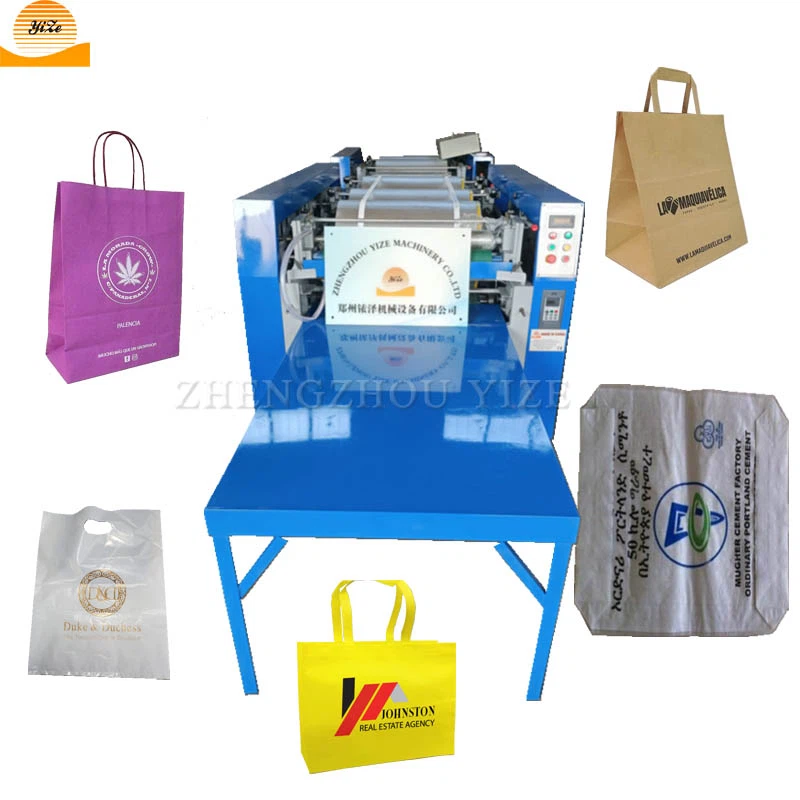
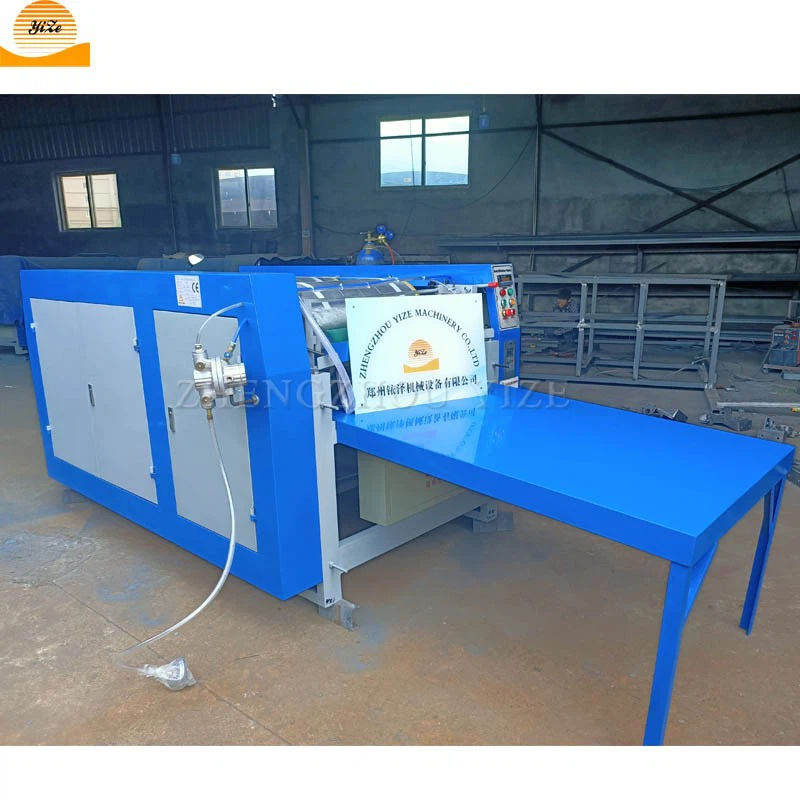
On the other hand, a Flexographic Printing Machine has its own set of considerations. Flexographic printing uses flexible printing plates, and you'll need to adjust the settings to ensure proper plate mounting, ink transfer, and registration.
Troubleshooting Common Issues
Even after adjusting the settings correctly, you might still encounter some issues. Here are some common problems and how to fix them:
1. Blurry Prints
If your prints are blurry, it could be due to a few reasons. First, check the print speed. If it's too fast, the machine might not have enough time to transfer the ink accurately. You can also check the pressure. If the pressure is uneven, it can cause blurry areas. Try adjusting these settings and doing another test print.
2. Uneven Ink Distribution
Uneven ink distribution can make your prints look patchy. This could be caused by clogged ink nozzles or incorrect ink density settings. Check the ink nozzles and clean them if necessary. Also, re - evaluate the ink density and make sure it's set correctly.
3. Poor Adhesion
If the ink isn't sticking to the material, the temperature might be too low or the surface of the material might not be clean. Check the temperature settings and make sure the material is clean and dry before printing.
Conclusion
Adjusting the settings of your printing machinery is a crucial part of getting high - quality prints. It takes a bit of time and patience, but once you get the hang of it, you'll be able to produce amazing results. Remember to always start with the basics, do test prints, and make small adjustments at a time.
If you're in the market for new printing machinery or need more in - depth advice on setting up your current machines, don't hesitate to reach out. We're here to help you make the most of your printing operations. Whether you're interested in a Plastic Resin Plate Making Machine or a Flexographic Printing Machine, we've got a wide range of options to suit your needs. Contact us today to start a conversation about your printing requirements and let's work together to find the perfect solution for you.
References
- Printing Machinery Operation Manuals
- Industry - specific Printing Guides
- Online Printing Forums and Communities